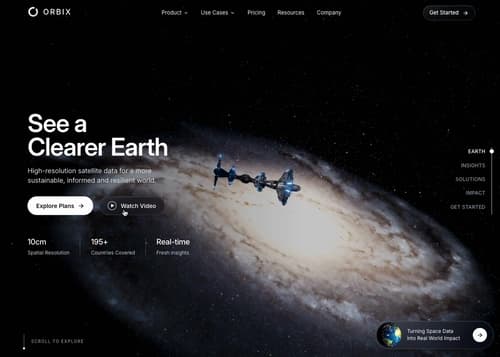
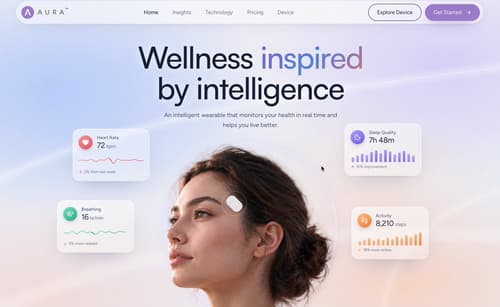
Discover 4 Product Templates
Product Landing Page Templates for Next.js and Tailwind CSS
4 animated product landing page templates for a single product or launch. Each one is a complete Next.js site built with React and Tailwind CSS v4, from coming soon page to launch day.
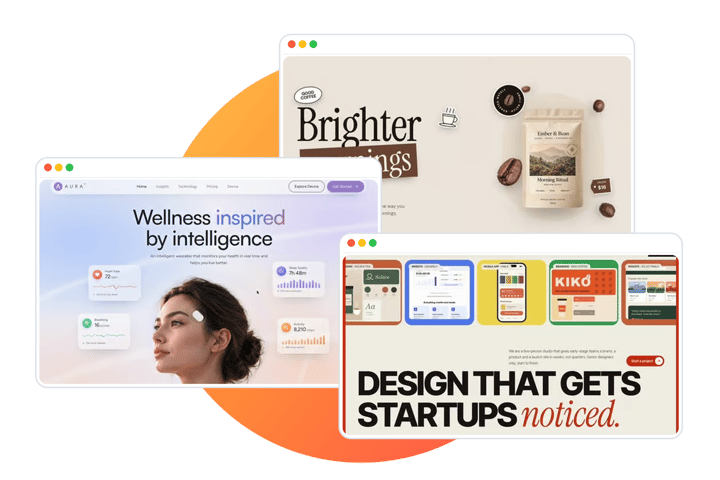
What is a product landing page template?
A product landing page template is a ready-built page for selling or launching a single product, with the layout, sections and motion already done. You add your product, photos and copy, then send your traffic to it.
A product landing page works because it has one goal. Every section, from the first screen to the last button, moves the visitor toward one action: buy, pre-order or join the list. Before launch, the same page can work as a coming soon page that collects emails, and on launch day it becomes your product launch landing page. Each template is a complete Next.js project built with React and Tailwind CSS v4, and part of our animated website templates.
How to use these product landing page templates
Pick one, download it, make it yours and put it online. Each template arrives as its own Next.js project folder.
- Pick a template from the grid and open the live preview.
- Download it with the button on its page, with
npx motionuikit@latest add <name>(Node.js 20 or newer), or by pasting its AI prompt into Cursor, Claude, v0, Lovable or Bolt. The CLI guide has the details. - Add your product. Install the npm packages the CLI lists, run it locally, then replace the copy, photos and call to action with your own.
- Put it online. Deploy it like any Next.js project, to Vercel, Netlify or any host that runs Next.js.
Browse other template categories
Templates are grouped by the kind of site you're building.
- Agency website templates: design, marketing and dev studios. For studios that want their own site to show the same care as their client work.
- SaaS website templates: software products. For teams that need to explain the product, show pricing and turn visitors into signups.
- AI website templates: AI products and startups. For new tools that need to make something unfamiliar feel clear and trustworthy.
- Restaurant and cafe website templates: restaurants, cafes and bakeries. For places that want the menu, hours and bookings easy to find on a phone.
- Ecommerce website templates: online stores. For brands that want a storefront where the product photos do the selling.
- Portfolio website templates: designers, developers and freelancers. For anyone whose work needs to speak before they do.
- All animated website templates: every category in one grid, which you can filter by style.
Frequently asked questions
A clear headline, a strong product image or video, three to five benefits, proof such as reviews or press, answers to common questions, and one call to action repeated down the page. Remove the main site navigation so nothing pulls people away.
A page you publish before launch that says what is coming, when, and why it matters, with a form to join the waitlist. It builds an audience while you finish the product, and you can turn it into the full product page on launch day.
Decide the one action you want, then build the page backward from it. Lead with the problem and your product as the answer, show it working, add proof, and handle objections before the final button. Test it on a phone before you send traffic.
A landing page focuses on one product and one action, usually for a launch or a campaign. A product website template has room for more: several pages, features, docs, support and a blog. Many products start with a landing page and grow into a site.
Yes, where it shows the product. Motion that reveals features as you scroll or turns the product in 3D helps people understand it. Keep the first screen fast, and make sure the buy button never moves while someone reaches for it.
Each template is marked Free or Pro. Free ones need only a free account to download, and browsing their live previews needs no account at all. Pro ones need a paid plan, which also includes every Pro section and component. See plans and limits.
Use the download button on its page, run npx motionuikit@latest add <name> with Node.js 20 or newer, or paste its AI prompt into Cursor, Claude, v0, Lovable or Bolt. Each download counts toward your daily template limit, which resets at 00:00 UTC.
Next.js, React and TypeScript, styled with Tailwind CSS v4. Each one is a standard Next.js project, so you run it locally with your package manager and deploy it anywhere that runs Next.js. There is no MotionUIKit runtime inside.
Yes. You get the full source code in your own folder, so the copy, images, colors, fonts, animations and page structure are all yours to edit. Nothing breaks if you stop using the CLI or your plan ends.
Yes. The license covers unlimited projects, client work included, and you keep what you downloaded after your plan ends. You can't resell the template as your own template, UI kit or design file, or use it to build a competing product.